Baby Tracker in ProMom
The last feed. The last nap. In one place.
When you're asked about feeds or sleep, it helps to have the details in front of you. Baby Tracker keeps your baby's care records together in ProMom.
How it works
Care details you can come back to.
Nursing, pumping, sleep and diaper changes, together in one app.
Choose the activity.
Open the type of care you want to record.
Save the details.
Add the information that helps you remember it.
Look back when you need to.
Return to your recordings to see what you logged.
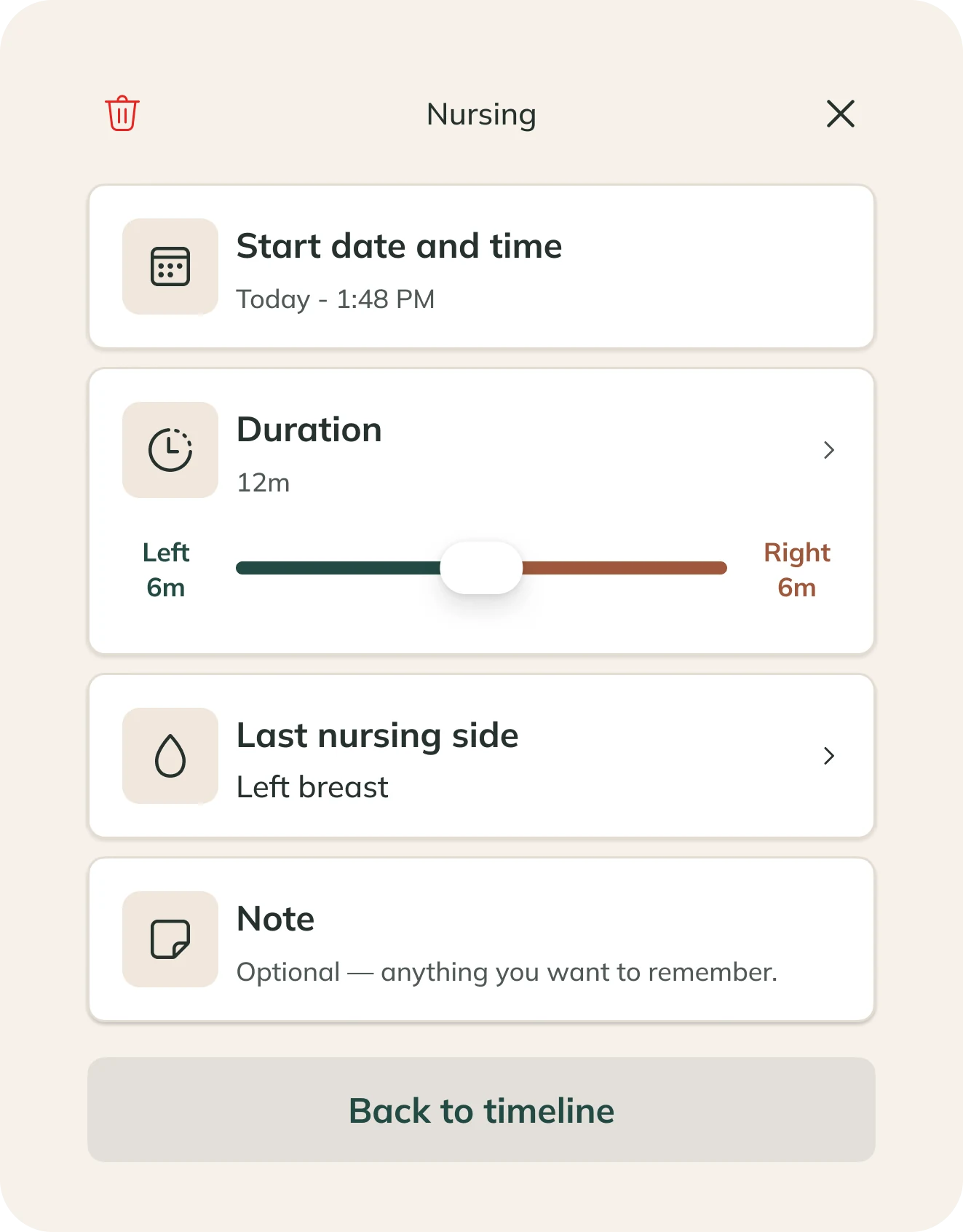
Remember the last time.
A feed at 3am. A short afternoon nap. Your records give you a place to look when the day runs together.
Use what helps.
Keep the care details you find useful. You can use Baby Tracker for one activity or several.
Baby Tracker questions, answered
Keep records of nursing, pumping, sleep and diaper changes.
No. Use the records that help you. If your baby's clinician asks for particular information, follow their advice.
Yes. Open the records when discussing feeds, sleep or other care with your baby's clinician.
No. A log records the information you enter. It cannot assess your baby's health or replace your care team's advice.
No. It's part of ProMom for iPhone, alongside the tools you use for your own stage.
Keep the details close.
Bring your baby's everyday care records together in ProMom.