Contraction Timer in ProMom
Keep track of each contraction.
When contractions start, timing is one more detail to manage. ProMom records how long they last, the spacing between them and how they feel, in one place.
How it works
The timing, recorded as it happens.
Start and stop the timer as you record each contraction. Your entries stay together, ready to refer to when you describe what's happening.
Start when it begins.
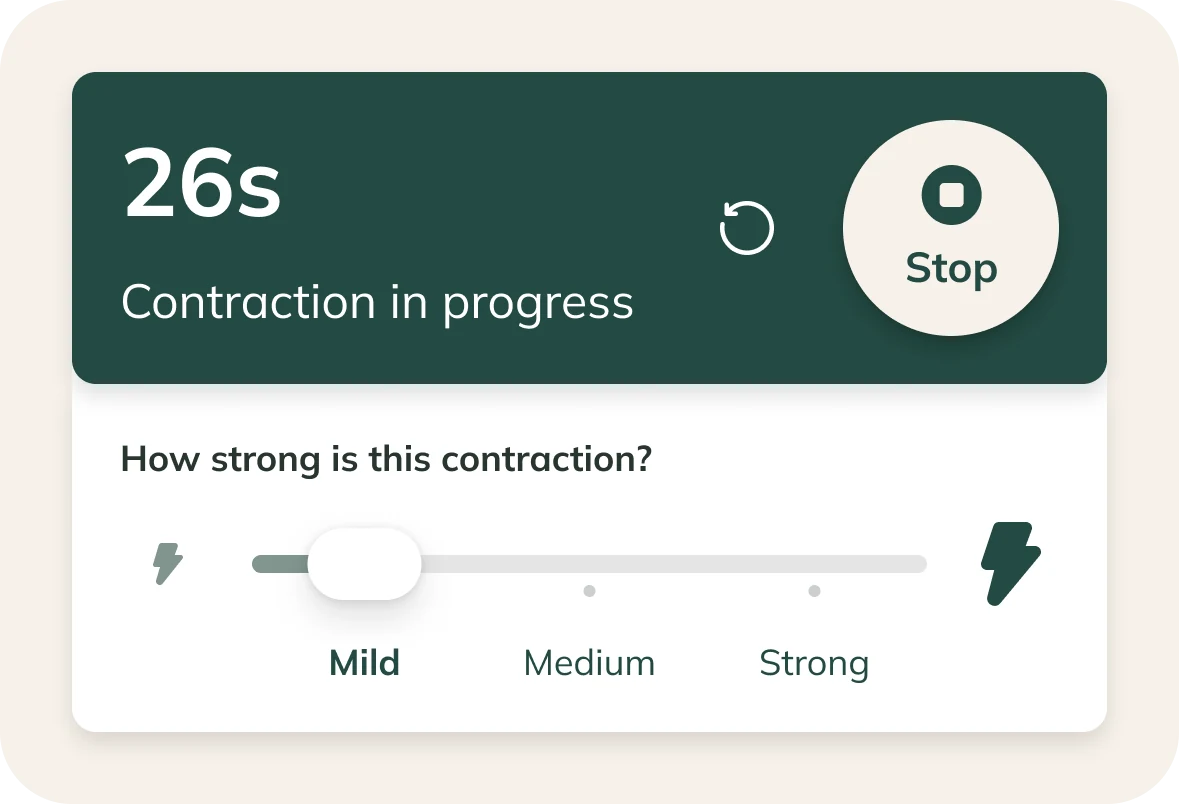
Start the timer when a contraction begins.
Stop when it ends.
Tap Stop when the contraction ends to record its duration.
Add how it felt.
Choose Mild, Medium or Strong to describe the intensity you experienced.
Duration and spacing, together.
Review your recorded contractions in one list, with timing and intensity alongside each entry. Open the record when your care team asks what you've noticed.
Your experience, alongside the numbers.
The timer records duration. Your intensity rating adds how the contraction felt to you, giving you another detail to refer to in the conversation.
Contraction Timer questions, answered
Your timing, in one place.
Keep your contraction recordings together in ProMom, ready for the conversation with your care team.